When you’re working on print publications on an occasional basis, or returning to print after a lengthy hiatus, it can be all too easy to make costly or embarrassing errors. Typos and other such errors can have a big impact on your reputation and can cost you the confidence of your audience.
While online audiences tend to be somewhat forgiving, proofing is of vital importance when it comes to printed material. Printed copy also tends to be lengthier than online content, with internet readers spending more time scanning over pages than focusing on all the words and sentences.
Let’s take a look at some of the main tips you need to follow to publish error-free printed material.
- Work with a copy editor
After conducting a substantive edit, you need to do a copy-edit to ensure the material is completely free of errors, including factual mistakes. The initial editing process can leave numerous typos, badly structured content and incorrect information intact, and many of us fail to spot our own mistakes. To diminish the chances of typos and factually inaccurate content being published, enlist a freelance copy editor to go through the text for you.
- Copy-edit in Word
Don’t send your copy to the design team before it has been copy-edited in Word. Although this step may seem obvious, many erratic publications have been made public after this stage has been skipped. By taking this step, you can also avoid the costs and delays that come with scrapping pages and resetting them.
- Opt for double-proofing
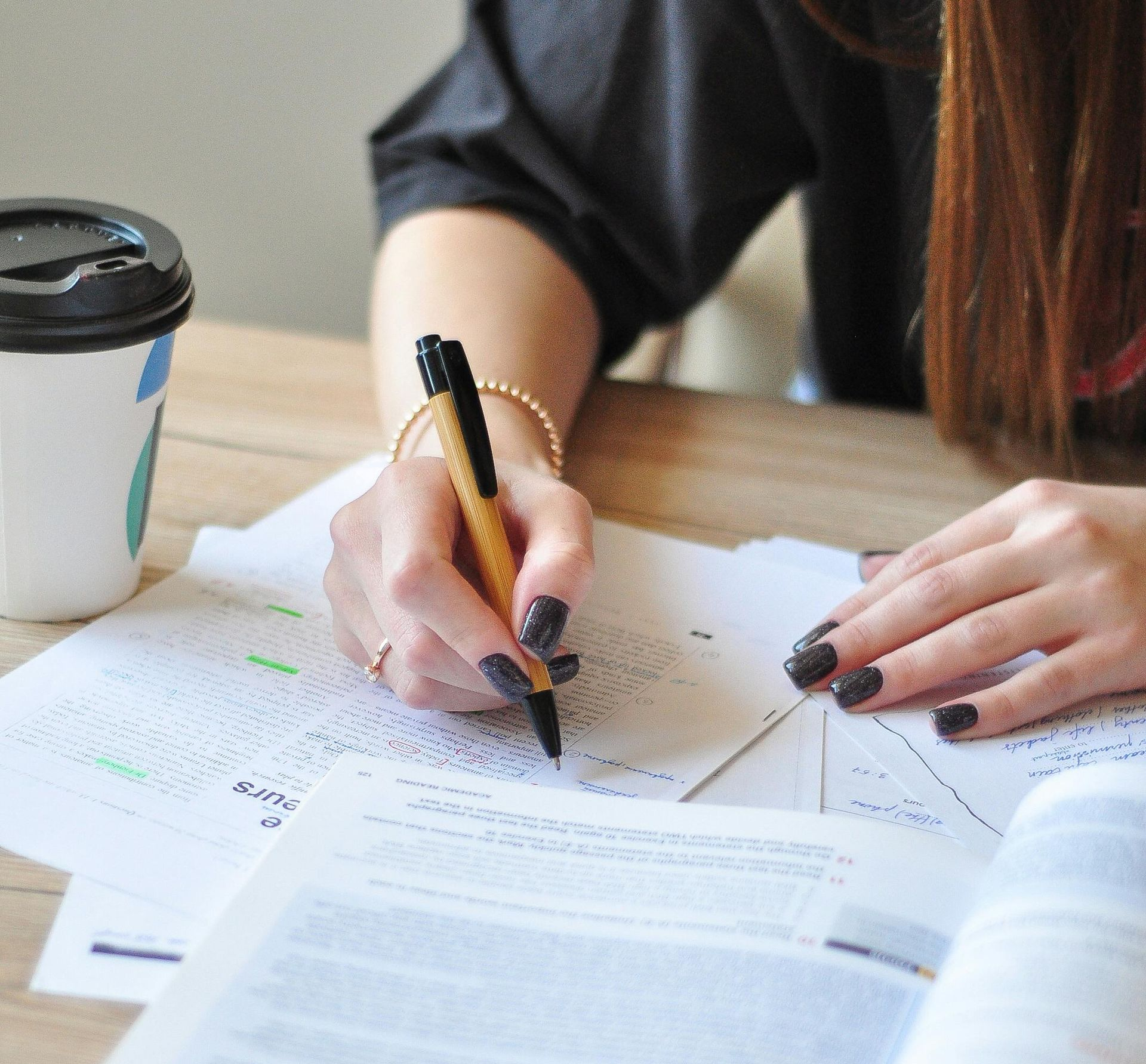
No matter how experienced you are as an editor, there’s still a big chance errors will be missed when you proof your content. This means it’s wise to send your document for double-proofing so it is assessed by two proofreaders. While some errors will be spotted by both people, one may spot errors missed by the other. This is a vital step for those working on high-profile, high-cost printed publications.
- Comparison proof changes
If you have asked your designer to change something, remember to proof what they have done, to ensure changes you have instructed them to make have been implemented correctly. Even the best designers may accidentally add new mistakes to your text or overlook some of the required changes. Although checking the content yet again may seem like a drag, you’ll be happy that you invested the extra time in the long run.
Ultimate Proof provides a complete copy-editing and proofreading service. As well as editing, we are able to double-proof your copy and reproof the final PDF before it goes off to the printer. Speak to us when you book in your next proofreading or editing project to find out which option would be best for you.
The Edit Desk